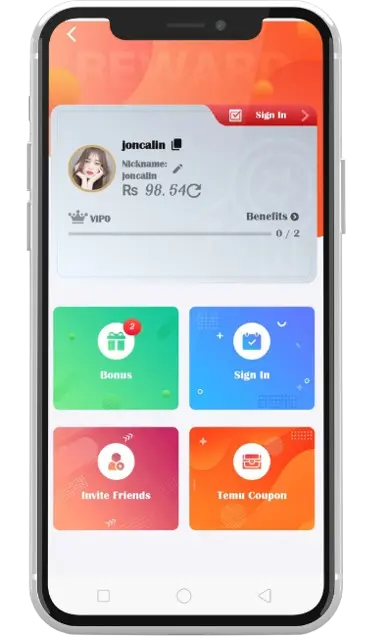
GamePK Withdraw — Cash Out Fast
Move your GamePK balance to JazzCash or Easypaisa with a clear withdrawal flow designed for Pakistani players. Always double-check your wallet number before submitting.
How to withdraw from GamePK
- Log in to GamePK and open Member Center.
- Tap Withdraw and choose JazzCash or Easypaisa.
- Enter your registered mobile wallet number carefully.
- Enter the withdrawal amount and submit the request.
- Wait for processing — funds typically arrive in your wallet after verification.
Related: Deposit · About GamePK · Contact support